CS2 inspect links: what they show and how to use them
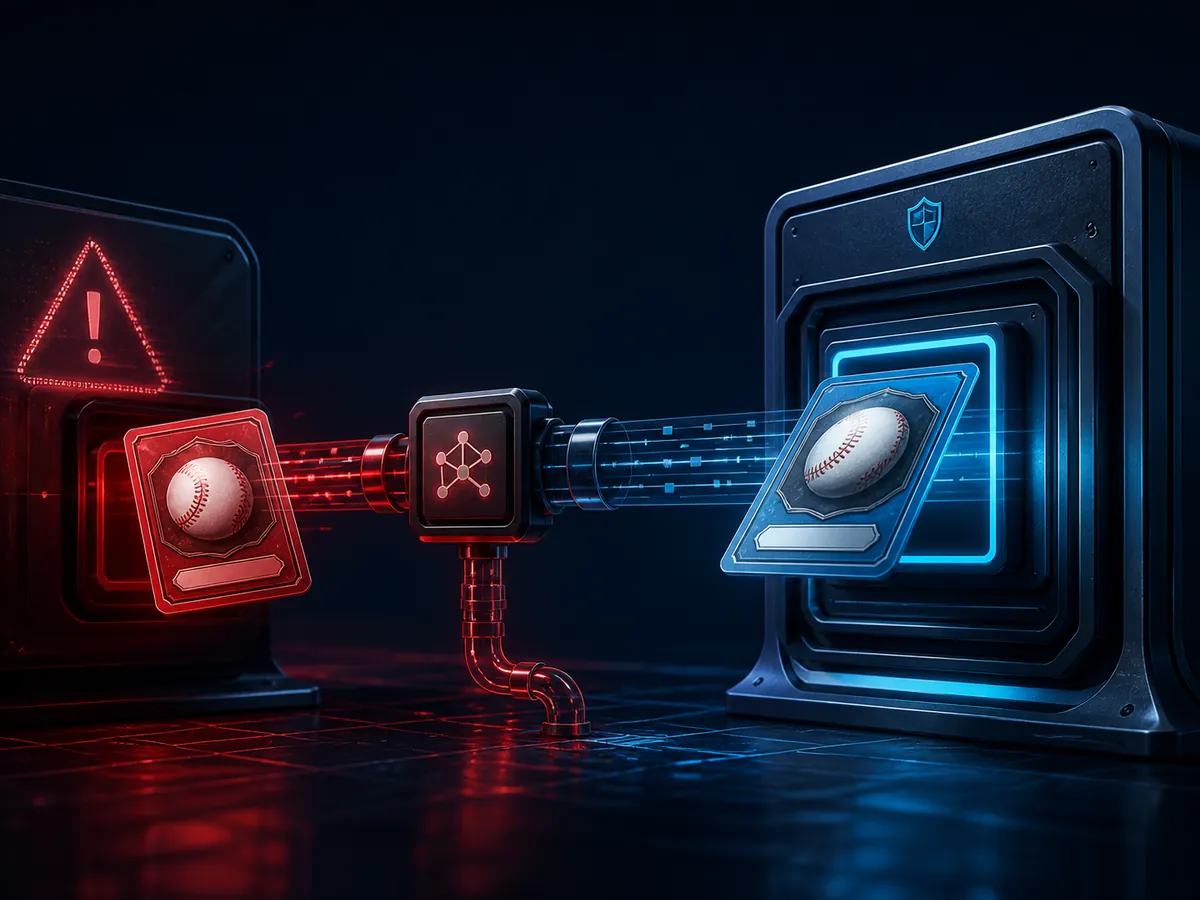
An Inspect link is the address of a specific instance of an item. Not the skin type, but precisely the unit that is in someone’s inventory or put up as a specific lot. All individual parameters that are not in the Steam interface are hardwired inside it.
What is included in the inspection link, why is it unique for each instance, is it safe to open it, and why does the seller’s screenshot not replace it.
What the link identifies
Identifiers by which the game finds a specific item: the owner or lot, the number of the item itself and the verification key. Looks like a long line with the word inspect.
From this data, everything individual is pulled out: the exact value of float, the number of pattern, a list of stickers with the scraping percentage, the name of the item, if it has changed.
The key property is that the link is bound to an instance. Two identically named skin will give two different links and two different sets of parameters.
Where to find it
In your inventory: open the item, there will be an in-game inspection button and the ability to copy the link.
On the Marketplace: each lot in the list has its own inspection button. That is why you need to check the lot you are buying, and not the item in general.
In an trade offer: each item in the offer also has an inspection. This is the only reliable way to check that you are really getting what you agreed on.
How to use it
Open it in the game - you will see the object live, from all sides, in real lighting. Useful before an expensive purchase: the render on the website and the model in the game are sometimes noticeably different.
Insert it into the checker and you will get the exact numbers: float, pattern, stickers.
Save before transaction. If the seller starts swapping lots or replacing an item, you will still have a link to the copy in question.
- The screenshot from the seller does not confirm anything - it could have been taken from another copy.
- The link to skin from someone else's inventory stops working if the item is no longer there.
- Cheap items are usually not worth the time to check.
Opening links safely
The link itself is safe. It opens an item in the game or transfers data to the checker; it does not give access to your account and does not confirm anything on your behalf.
The danger is different: scammers send links similar to inspect, which lead to a site with a fake Steam login window. Look what's revealed. The actual inspection link launches the game or shows the item rather than asking for a login.
And as a general rule: no parameter reading tool requires a password, Steam Guard code or API key. The link itself is enough.
Frequently asked questions
What is an inspect link?
The address of a specific instance of an item in which its individual parameters are embedded: float, pattern and stickers.
Is it safe to open an inspect link?
The link itself is safe. Similar links that lead to sites with a fake Steam login window are dangerous - look what opened.
Why did the link stop working?
The item has left the inventory or lot to which it was attached. A link points to a specific instance in a specific location.
Is it possible to find out the owner using the link?
The link from the inventory contains the owner's ID, but does not give any access to his account.
Why is a link better than a screenshot?
A screenshot can be taken from any other copy. The link leads to exactly the item that is being offered to you.

Skin overpay: when a price premium makes sense
Where does the markup above the market price come from, its three honest sources, how to calculate a reasonable amount and why most overpays are not returned upon sale.
Read guide
Why seemingly identical skins have different prices
I see two lots with the same name and twice the price difference. Eight reasons in order of verification - from condition and float to the seller’s banal inflated price.
Read guide