What is StatTrak in CS2, and is it worth the extra cost?
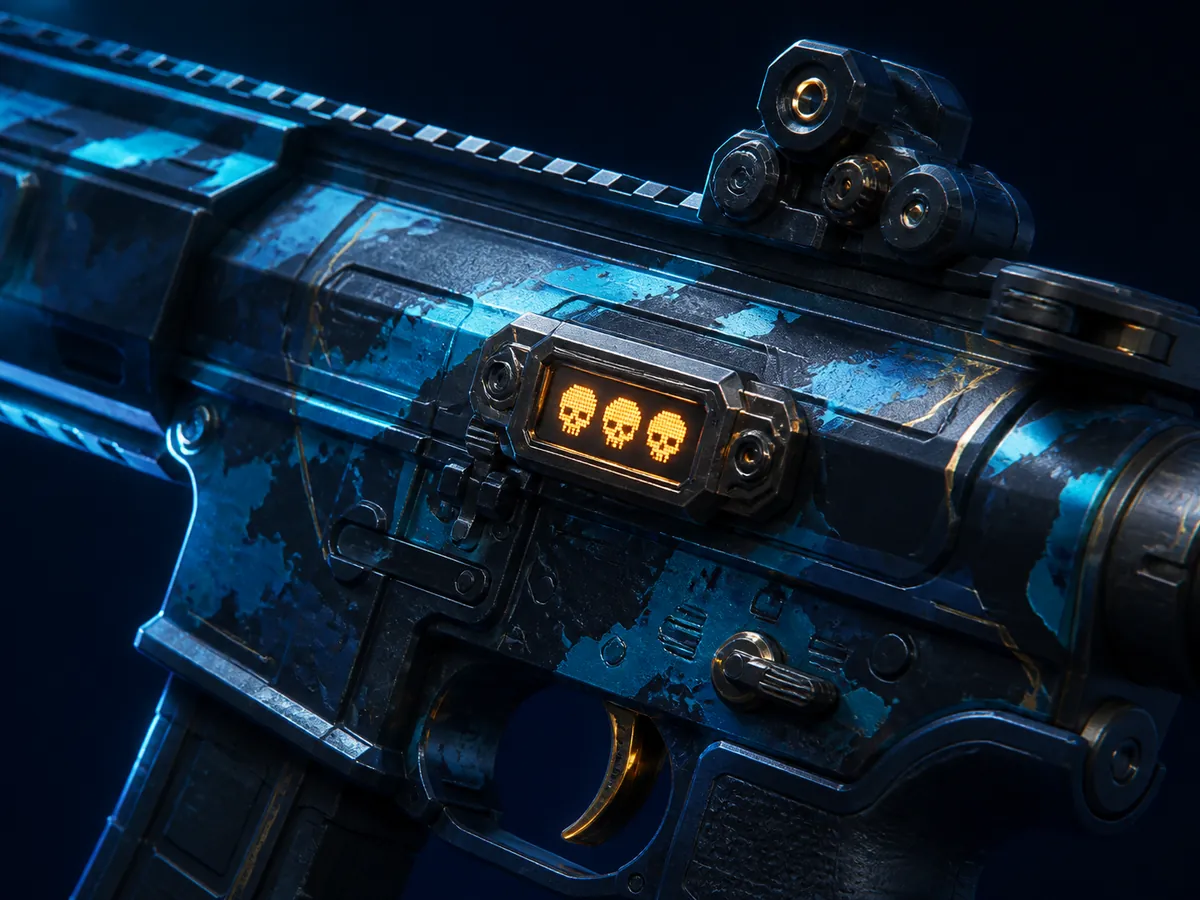
StatTrak is a version of skin with a built-in kill counter. Externally, it differs only in the plate on the weapon model and the StatTrak™ prefix in the name. There are no gaming advantages, like the regular skin.
How the kill counter works, what happens to it when you transfer an item, how much more expensive is the StatTrak version, and in what modes the counter does not increase at all.
What the counter records
The counter records the kills you made with this particular weapon in official Valve modes. It does not grow on third-party community servers or offline with bots.
The knives also have a counter and count kills with a knife. Considering how rarely they kill, it's harder to get a noticeable number there.
The most important thing: when you transfer an item to another person, the counter is reset to zero. You buy StatTrak-skin - it comes with zero, no matter how much the previous owner had.
Is the price premium worth it?
The StatTrak version drops less often than the regular one, so it costs more. How much depends greatly on the specific skin: on popular models the markup is usually in the range of 10–30%, on rare ones it can be higher, and on unpopular ones it is almost invisible.
The meaning of overpayment is purely personal. If you play with this weapon every day and you enjoy watching the numbers grow, it works. If skin is purchased for resale, StatTrak adds price, but narrows the pool of buyers: not everyone needs it.
The number on the meter has almost no effect on the price - the buyer will still receive zero. Sellers sometimes try to ask for an additional payment for a “filled barrel,” but this is a conversation about nothing.
- Compare StatTrak only with StatTrak of the same state - otherwise the difference does not mean anything.
- Souvenir items do not have a StatTrak version.
- The counter is reset upon transmission, so the “shot” skin does not cost more.
Transferring the kill count
The game has a statistics transfer tool, StatTrak. It allows you to swap the readings of two StatTrak items of the same type: a weapon with a weapon, a knife with a knife. You cannot transfer the counter to a regular skin.
The tool is consumed during use and purchased on the market. It makes sense if you have typed a large number on skin, which you are tired of, and want to save it on a new one.
Frequently asked questions
What does StatTrak mean in a skin’s name?
This is the kill counter version of the item. Drops out less frequently than usual and costs more, but does not affect game performance.
Does trading reset the counter?
Yes. The new owner always receives an item with zero, no matter how many the previous one had.
Which game modes count kills?
In official Valve modes. On community servers and in games with bots, offline kills do not count.
Can I transfer the counter to another skin?
It is possible between two StatTrak items of the same type through the statistics transfer tool. You can’t use regular skin.
Can Souvenir skins have StatTrak?
No. These are mutually exclusive versions of the item.
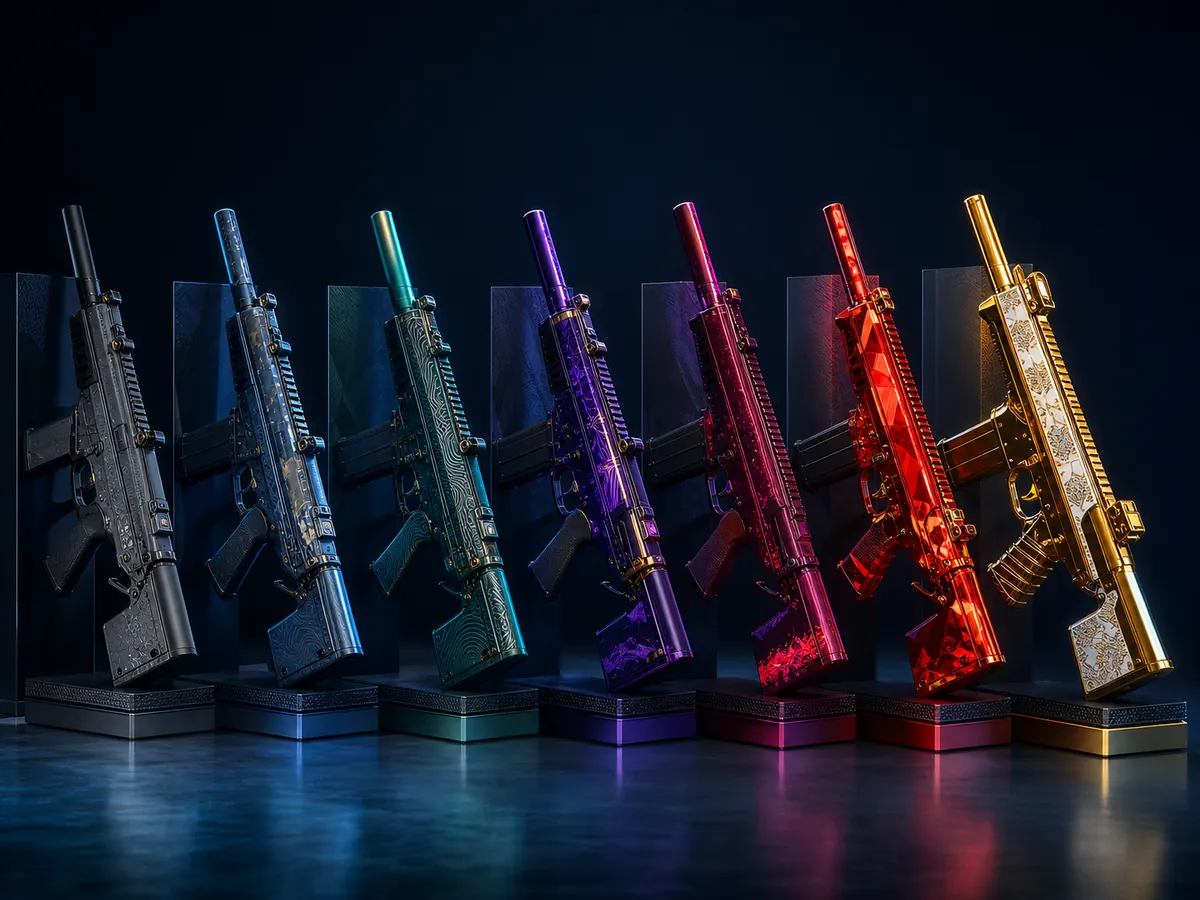
CS2 skin rarity: what the colors mean
A complete ladder of rarity with colors, how rarity differs from quality and wear and why blue skin from the old collection can cost more than red from the new one.
Read guide
CS2 Souvenir skins: differences and valuation
Where do souvenir items come from, why are the gold stickers on them more important than skin itself, and how to evaluate a souvenir if there are almost no similar sales.
Read guide