How to make your Steam inventory public
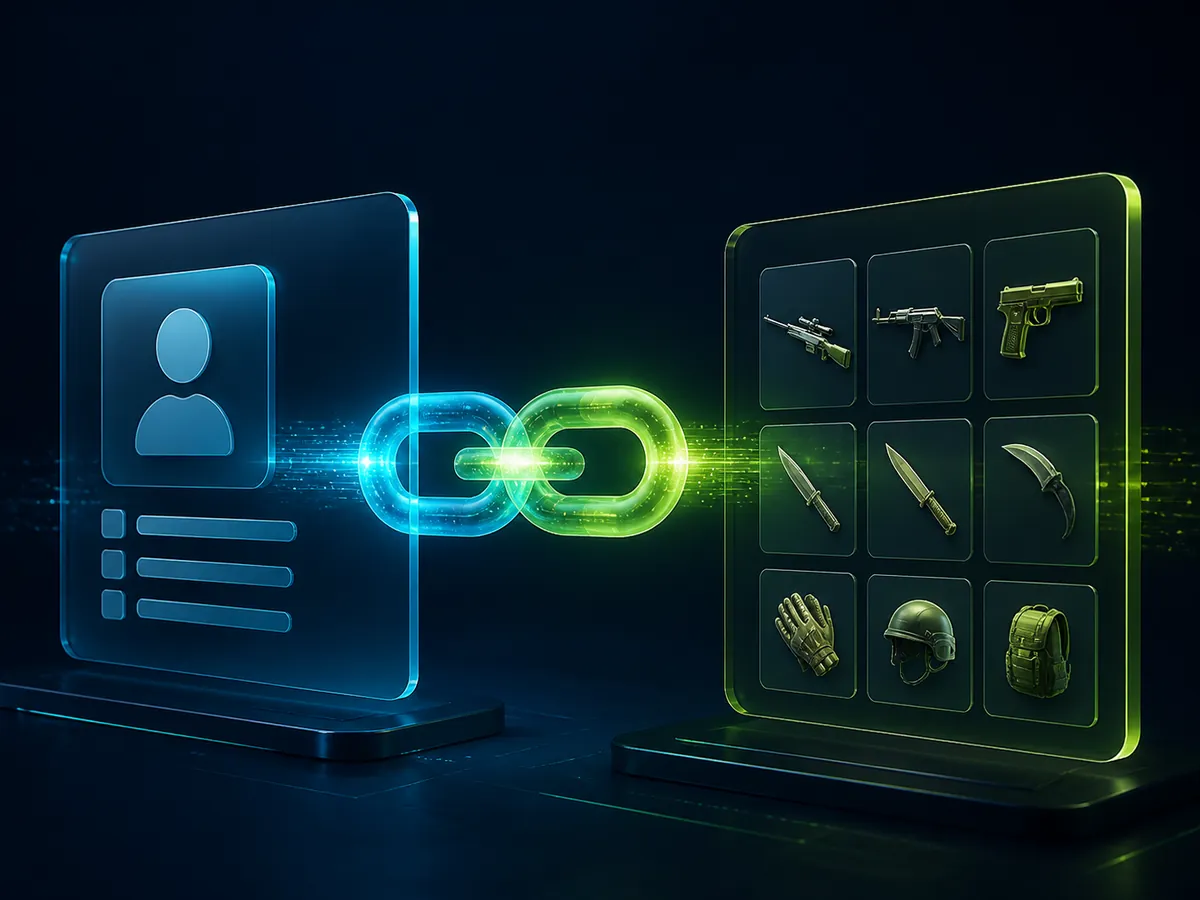
Public inventory is needed for everything that works with your items from the outside: appraisers, trading platforms, exchange bots. It opens with one setting, and does not give anyone any access to the account - only a list of items is visible.
Where is public access to inventory enabled, why do sites and appraisers need it, what do outsiders see, and why does the service not see inventory even after opening.
Where to change the setting
Open your profile on steamcommunity.com and click "Edit Profile". In the left menu, select “Privacy Settings.”
Find the “Inventory” item and switch it to “Open”. If there is a separate checkbox next to it about keeping the history of the Marketplace and items secret, uncheck it, otherwise some of the data will still remain hidden.
Changes are saved automatically. The easiest way to check the result is in a private browser window: open the link to your inventory without logging into your account and see if the items are visible.
What other people can see
Only the list of items itself: names, states and parameters of specific instances. Everything is the same as what you see yourself when you open someone else’s public inventory.
What is not visible and what is not given: access to your account, the ability to pick up something, purchase history, payment information, mail. Public inventory is not a security hole.
The only real downside is visibility. If you have expensive inventory and it is open, you come into the attention of those who are looking for targets for exchange and phishing schemes. This is not a reason to keep it closed always, but a reason not to leave it open unnecessarily.
- After an assessment or transaction, privacy can be returned.
- Open inventory does not reveal purchase history or account information.
- Separate settings for profile and inventory privacy are different switches.
If a service still cannot read the inventory
First, wait. For third-party services, data is cached; updating may take several minutes, sometimes longer.
Second, check the link. Many people insert a custom link like /id/name when the service expects a constant with numbers, or vice versa. Try both options.
Third, check the second switch. Inventory privacy can be open, but the box about hiding items and market history can be checked.
Fourth, make sure that the profile itself is not completely private. A closed profile overrides inventory settings.
Frequently asked questions
How to open Steam inventory?
Profile → Edit profile → Privacy settings → “Inventory” → “Public”.
Is it dangerous to keep inventory open?
This does not give access to the account. The only negative is that expensive open inventory attracts the attention of those looking for targets for schemes.
Why can't the appraiser see my inventory after opening?
There may be a cache of the service, an incorrect link format, a tick to hide items, or a completely private profile.
Is it possible to open only the inventory, leaving the profile closed?
The settings are related: a completely private profile blocks access to the inventory. Check the result from a private browser window.
Do I need open inventory for exchange?
For accepting proposals - no. But sites usually require it in order to see the items before the transaction.

How to view your Steam trade history
Where can I find a list of all completed trades, what is visible in it, how to use it in a dispute, and why it is impossible to delete entries from there.
Read guide
How to sell Steam items in bulk without costly mistakes
Preparing a big sale: selection, exceptions for expensive items, test run and checking the result. Plus why it’s better not to touch cheap items.
Read guide